PNG vs SVG is one of the most common questions asked by creators, crafters, and digital product buyers. If you’ve ever purchased digital graphics for crafting, print-on-demand, or small business use, you’ve probably encountered these two popular file formats.
But what exactly is the difference between them?
Should you use PNG files or SVG files for your project?
The answer depends entirely on what you’re creating.
In this beginner-friendly guide, you’ll learn the differences between PNG and SVG files, their advantages and limitations, and when to use each format for the best results.
What Is a PNG File?
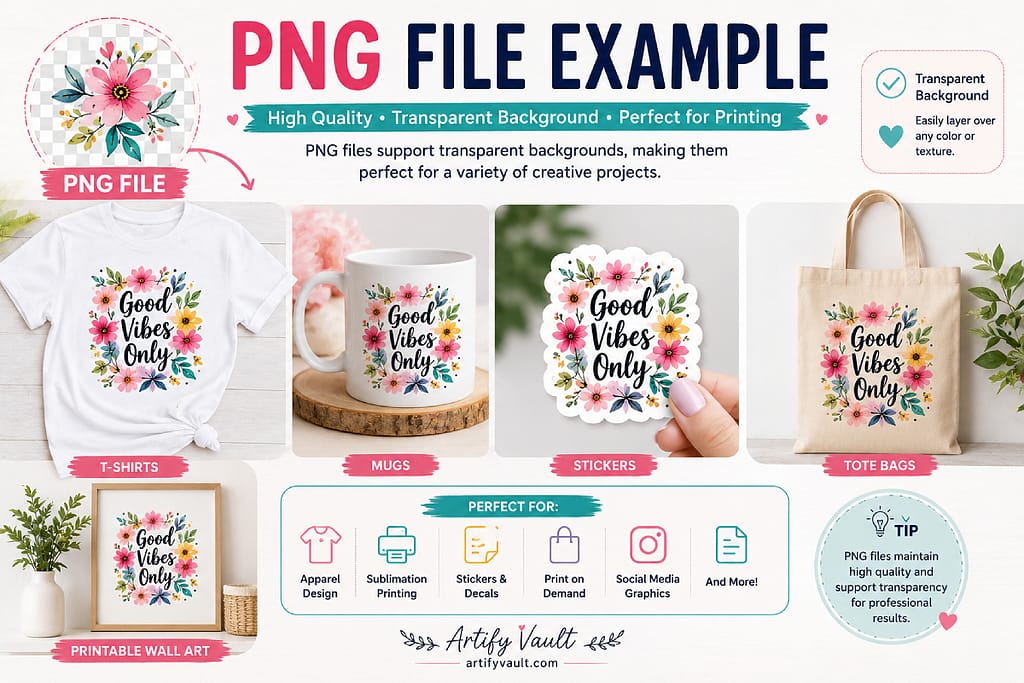
PNG stands for Portable Network Graphics.
PNG files are high-quality image files that support transparent backgrounds, making them extremely popular for digital design and printing applications.
PNG files are commonly used for:
- T-shirts and apparel
- Sublimation printing
- Stickers and labels
- Print-on-demand products
- Social media graphics
- Printable wall art
- Digital planners and inserts
One of the biggest advantages of PNG files is their ability to maintain image quality while supporting transparency.
Advantages of PNG Files
- Transparent backgrounds
- Easy to use for beginners
- Compatible with most design software
- Excellent for printing and sublimation
- Ideal for full-color artwork
Limitations of PNG Files
- Cannot be resized indefinitely without losing quality.
- Large enlargements may become pixelated.
- Not ideal for cutting machines.
What Is an SVG File?
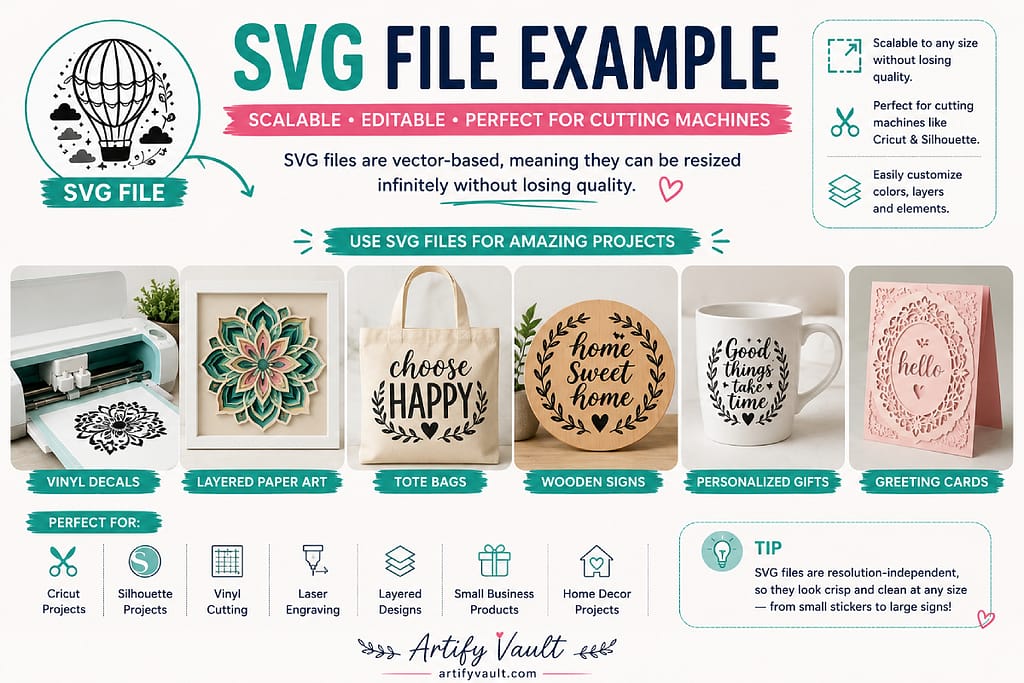
SVG stands for Scalable Vector Graphics.
Unlike PNG files, SVG files are vector-based, which means they can be resized infinitely without losing quality.
SVG files are commonly used for:
- Vinyl cutting
- Paper crafts
- Decals
- Laser cutting
- Signs
- Personalized gifts
- Craft machine projects
SVG files are especially popular among Cricut and Silhouette users.
Advantages of SVG Files
- Unlimited resizing without quality loss
- Smaller file sizes for simple designs
- Perfect for cutting machines
- Ideal for layered projects
- Excellent for professional workflows
Limitations of SVG Files
- Not supported by every application.
- Less suitable for photographs.
- Slightly steeper learning curve for beginners.
PNG vs SVG: Quick Comparison
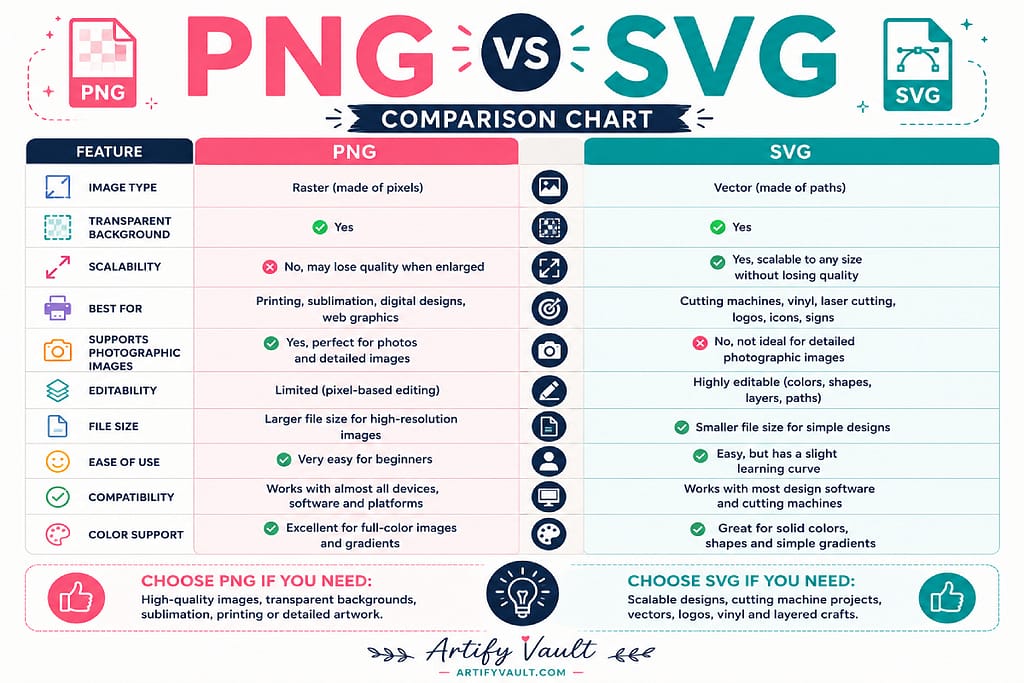
| Feature | PNG | SVG |
|---|---|---|
| Transparent Background | Yes | Yes |
| Unlimited Resizing | No | Yes |
| Best for Sublimation | Yes | No |
| Best for Cutting Machines | No | Yes |
| Supports Photographic Images | Yes | No |
| Easy for Beginners | Yes | Yes |
| File Size Efficiency | Moderate | Excellent |
When Should You Use PNG Files?
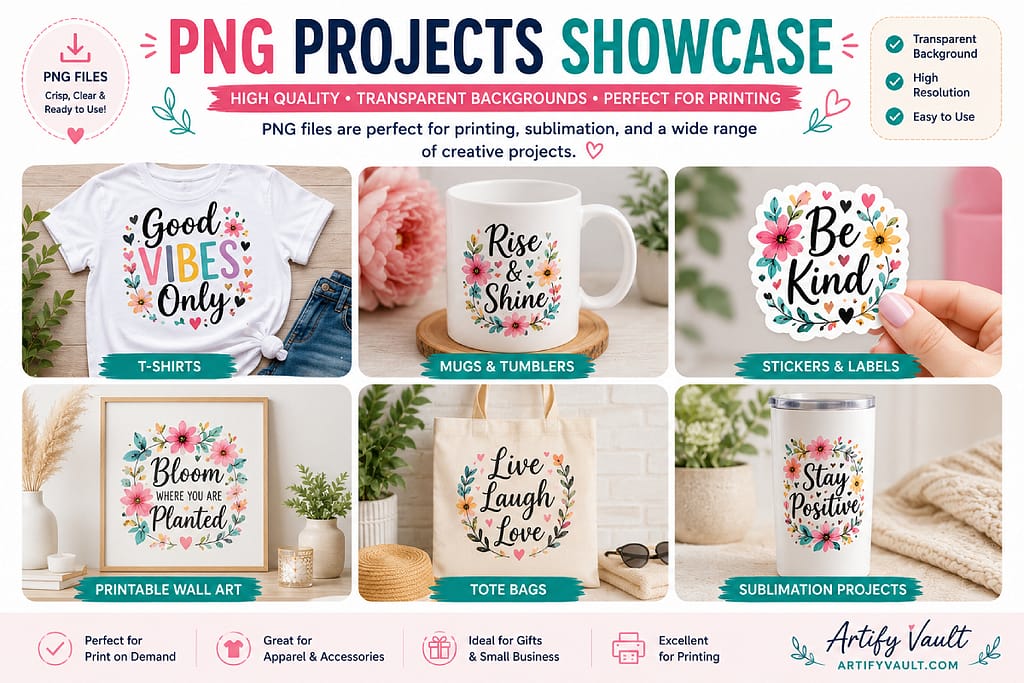
Choose PNG files when creating:
- T-shirts
- Sublimation products
- Stickers
- Mugs and tumblers
- Print-on-demand products
- Printable wall art
- Digital products
If your project involves full-color artwork or transparent backgrounds, PNG is usually the best choice.
Browse our PNG Graphics Collection to find designs for apparel, crafts, and small business projects.
When Should You Use SVG Files?
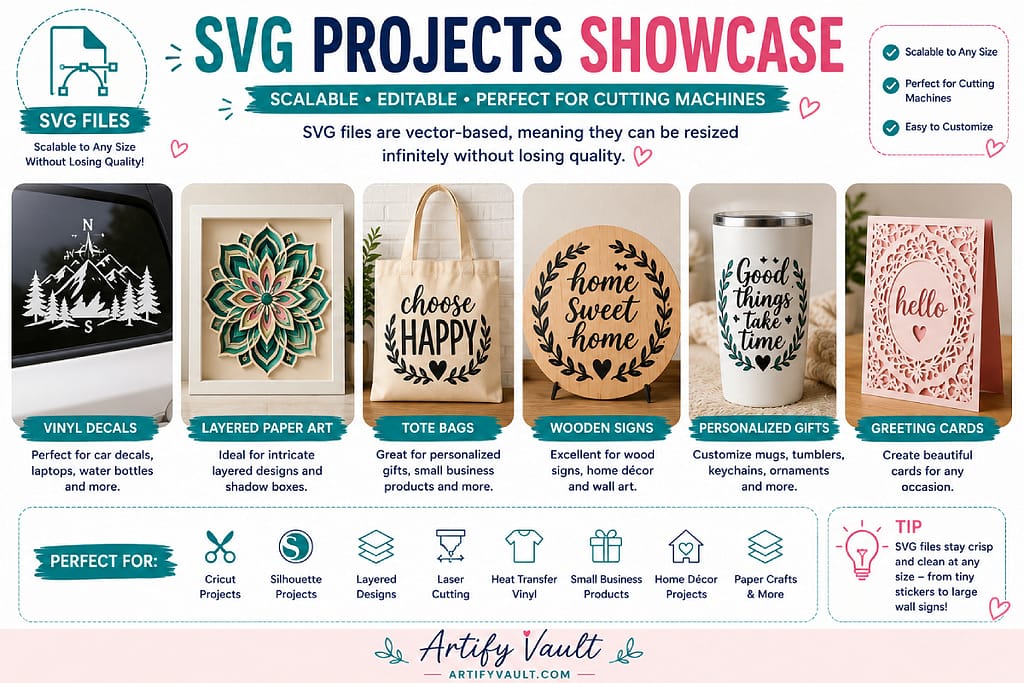
Choose SVG files when creating:
- Vinyl decals
- Greeting cards
- Layered paper art
- Wooden signs
- Personalized gifts
- Craft machine projects
SVG files perform exceptionally well when precise cutting lines are required.
Explore our SVG Designs Collection for your next crafting project.
Which File Type Works Best for Sublimation?
PNG files are the industry standard for sublimation printing.
The transparent background and support for detailed artwork make PNG files perfect for:
- Shirts
- Mugs
- Tumblers
- Mouse pads
- Tote bags
Which File Type Works Best for Cutting Machines?
SVG files are generally the preferred format for cutting machines.
They allow cutting software to read paths and shapes accurately, making them ideal for:
- Vinyl decals
- Cardstock projects
- Layered designs
- Personalized gifts
Can You Convert PNG to SVG?
Yes, conversion tools exist, but results vary depending on the artwork.
Simple shapes and text often convert well.
Highly detailed artwork or watercolor designs may not convert cleanly and often require manual editing.
Frequently Asked Questions
Can I resize PNG files?
Yes, but enlarging them too much may reduce image quality.
Can SVG files contain colors?
Yes. SVG files support colors, layers, and complex shapes.
Which file type is easier for beginners?
PNG files are generally easier for complete beginners because they work like standard images.
Which file type should I buy if I’m unsure?
If you’re creating products with sublimation or print-on-demand, choose PNG.
If you’re using a cutting machine, choose SVG.
Final Thoughts
Both PNG and SVG files are incredibly useful, but they serve different purposes.
Choose PNG for printing, sublimation, and colorful graphics.
Choose SVG for cutting machines, vinyl projects, and scalable designs.
Understanding the difference between these formats helps you choose the right file for every project and avoid frustration later.
The good news is that many digital products include both formats, giving you maximum flexibility for future projects.
Continue Learning
New to digital products?
Be sure to read our beginner guide to digital downloads to learn how instant downloads work, how to access your files, and how to organize your purchases.